 Photo & video
AI Image Studio
AI Image Studio brings AI-powered photo enhancement, beauty edits, background tools, upscaling, and creative effects into one Wind...
Photo & video
Image Converter Plus helps Windows users convert files into the formats they need for sharing, editing, publishing, and everyday work.

Screenshots
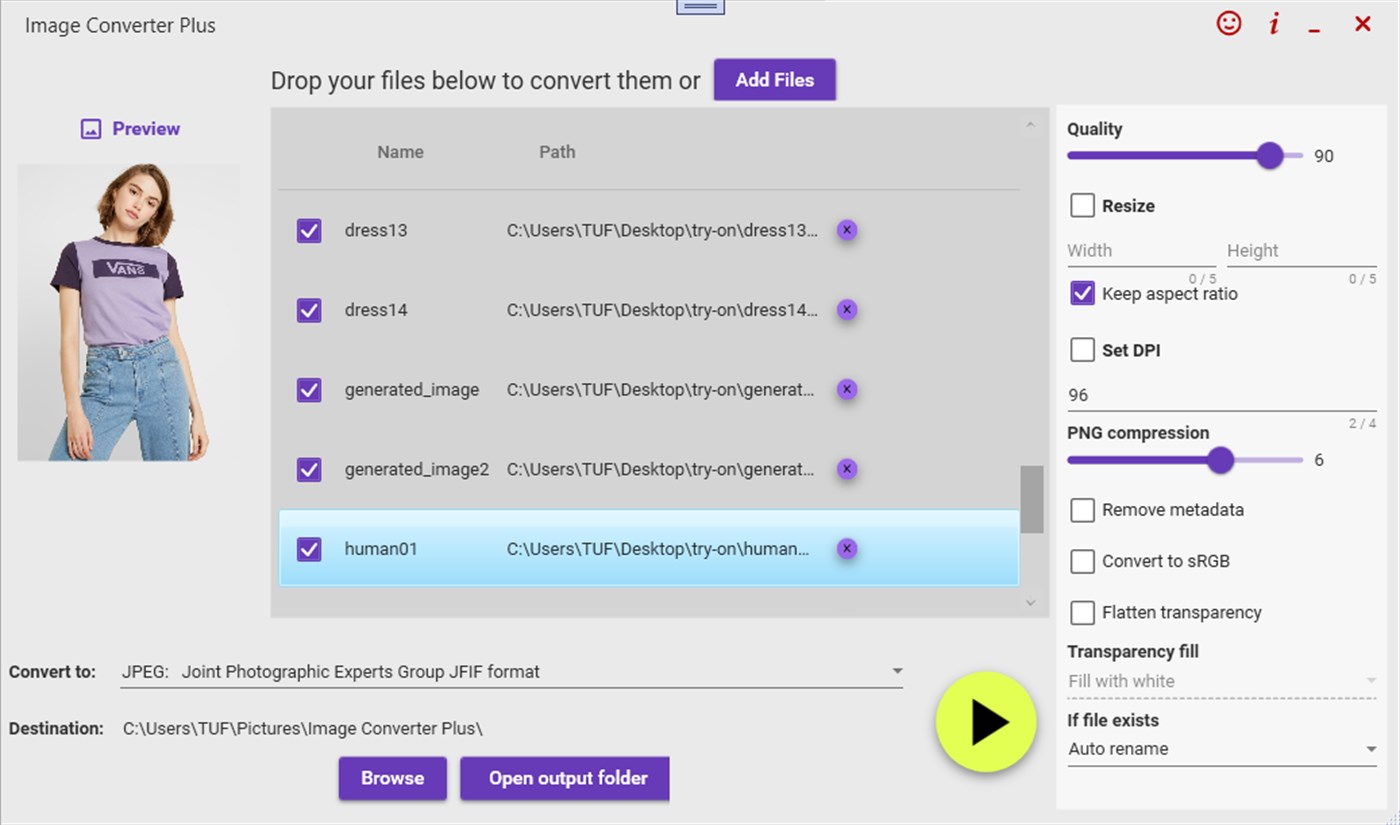
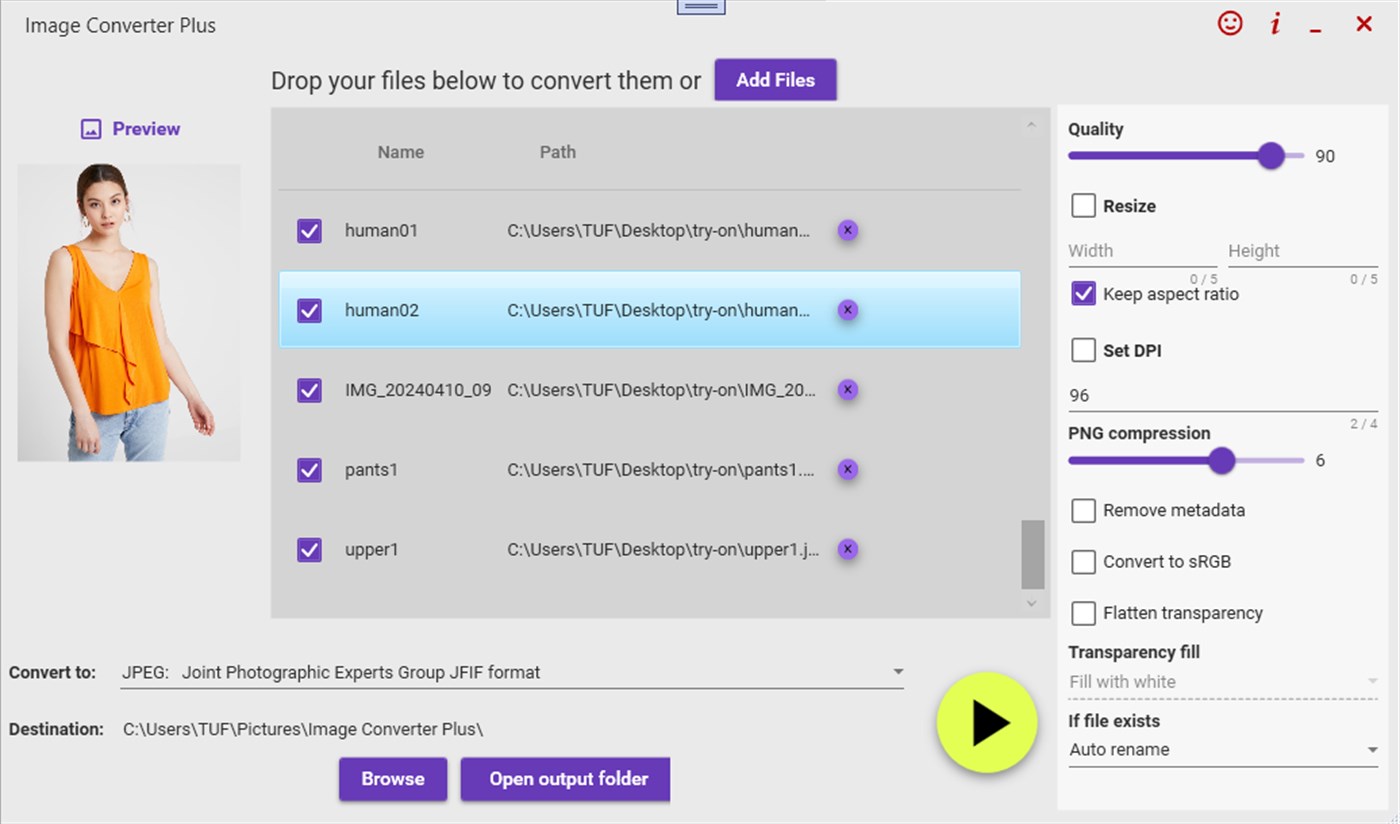
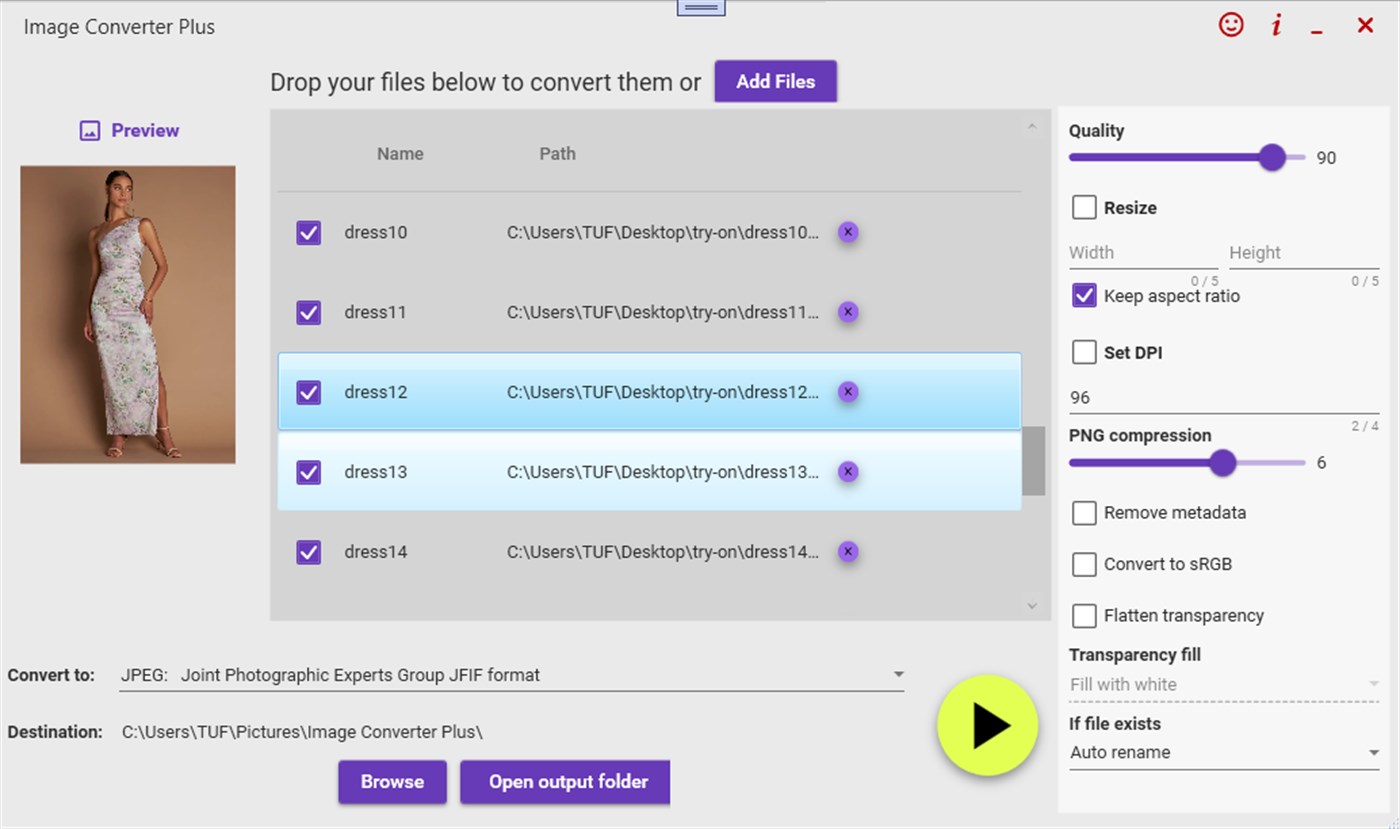
Why it helps
FAQ
Image Converter Plus is a Windows app from Megaish designed to make photo & video tasks simpler and faster.
You can install Image Converter Plus from the Microsoft Store using the download button on this page.
Store description
Image Converter Plus Convert & Transform 600+ Image Formats Offline in Seconds Convert, batch process, and transform any image format 100% offline, ultra-fast, and with no subscriptions. Whether you re a designer, photographer, developer, or just need to convert images, Image Converter Plus is your all-in-one professional offline image converter trusted by thousands of users worldwide. .
Why Choose: Image Converter Plus? Supports Over 600 Formats Including JPG, PNG, HEIC, TIFF, PSD, SVG, GIF, RAW, PDF, ICO, WEBP, EPS, BMP, CR2, DICOM, and many more. Blazing-Fast Batch Conversion Convert hundreds of images in seconds without losing quality. 100% Offline & Private Your images never leave your device no internet, no cloud uploads, no privacy risks.
One-Time Purchase No ads, no hidden fees, no subscriptions. Clean & Simple Interface Drag-and-drop images, select your output format, and you re done. . Perfect For: Photographers Convert RAW, CR2, HEIC, or DNG to JPG/PNG in bulk. Designers & Creatives Handle PSD, AI, SVG, or EPS without opening heavy software. Developers Convert assets into any format needed for web, mobile, or game projects.
Businesses Quickly process logos, scans, and marketing images for different platforms. Students & Everyday Users Turn any image into the format you need instantly. . Key Features: Massive Format Support JPG, PNG, BMP, HEIC, TIFF, PSD, SVG, GIF, RAW, PDF, ICO, WEBP, EPS, AI, CR2, TGA, DICOM, and hundreds more. Ultra-Fast Processing Optimized to handle large batches instantly.
Batch Conversion Drag & drop folders or multiple files for one-click processing. Built-in Image Preview Check your images before converting. Preserve Original Quality Keep sharpness, color accuracy, and metadata intact. Optional Resizing & Optimization Prepare images for web, print, or archiving. Cross-Format Conversion Convert between rare, modern, and legacy image formats effortlessly.
Real-World Examples: Convert HEIC to JPG from your iPhone photos offline. Turn PSD to PNG without opening Photoshop. Change RAW to TIFF for professional printing. Convert SVG to PDF for vector sharing. Export DICOM medical images into JPG or PNG for reports. Why Professionals Love It: No Uploads, No Waiting Unlike online converters, you control the process entirely.
Works Offline Anywhere Ideal for travel, private networks, or high-security environments. Handles Huge Files Convert gigabyte-sized images with ease. Trusted by Thousands A lifesaver for bulk photo conversion! Works flawlessly without internet. Five stars. Microsoft Store Review Download Image Converter Plus Now Take full control of your images convert anything, anywhere, anytime.
Get professional-grade conversion speed, privacy, and versatility in one simple app.
Related apps
Photo & video
AI Image Studio brings AI-powered photo enhancement, beauty edits, background tools, upscaling, and creative effects into one Wind...
 Photo & video
Image Vectorizer helps turn raster images into clean, scalable vector artwork for logos, illustrations, printing, and design proje...
 Photo & video
Audio Video Converter Plus helps Windows users convert files into the formats they need for sharing, editing, publishing, and ever...