 Productivity
Text to Image Creator
Text to Image Creator helps you turn ideas, descriptions, and prompts into visual artwork from a simple Windows app.
Productivity
JSON to Diagram turns structured JSON into readable diagrams so you can understand data relationships faster.

Screenshots
Why it helps
FAQ
JSON to Diagram is a Windows app from Megaish designed to make productivity tasks simpler and faster.
You can install JSON to Diagram from the Microsoft Store using the download button on this page.
Store description
Bring your JSON data to life with JSON to Diagram, a powerful and user-friendly Windows app that instantly converts your structured input into a wide range of clean, informative diagrams. Whether you're a developer, analyst, student, or educator, this tool helps you visualize complex data structures with just one click. .
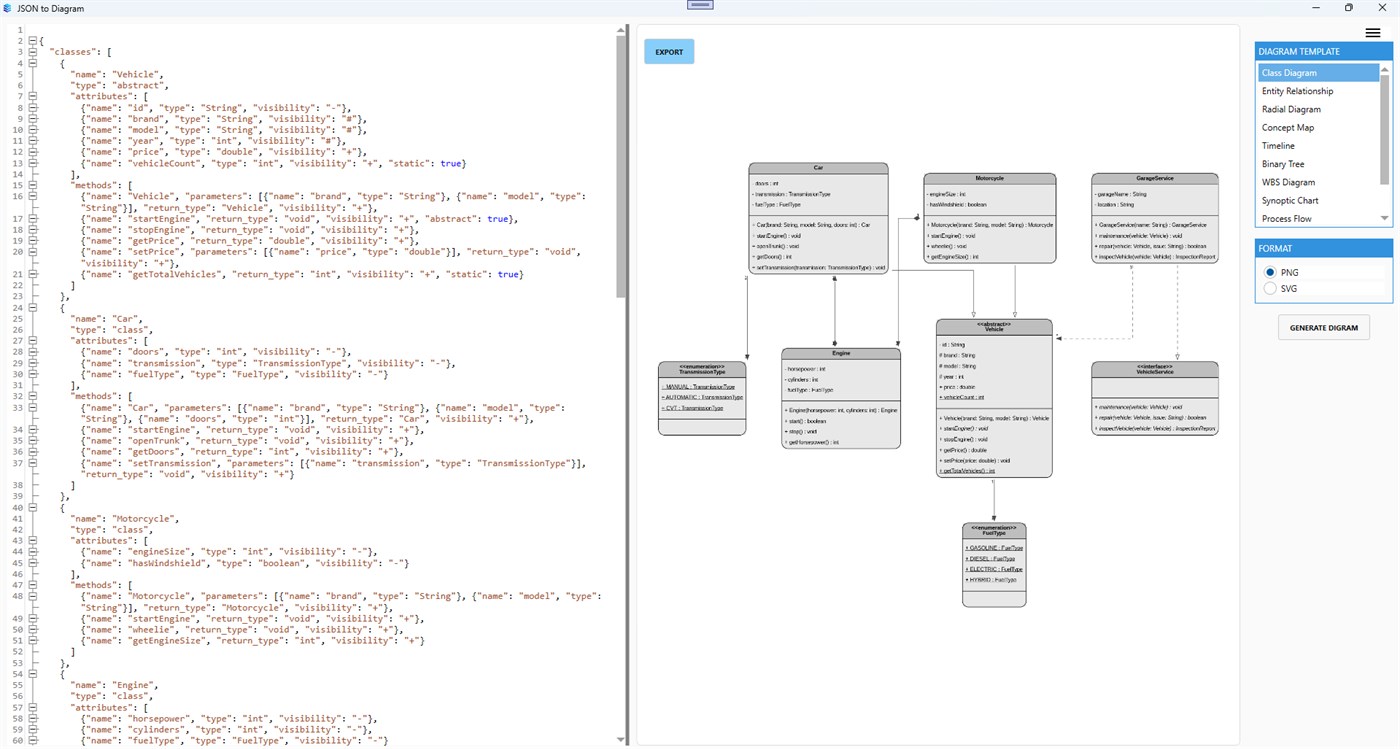
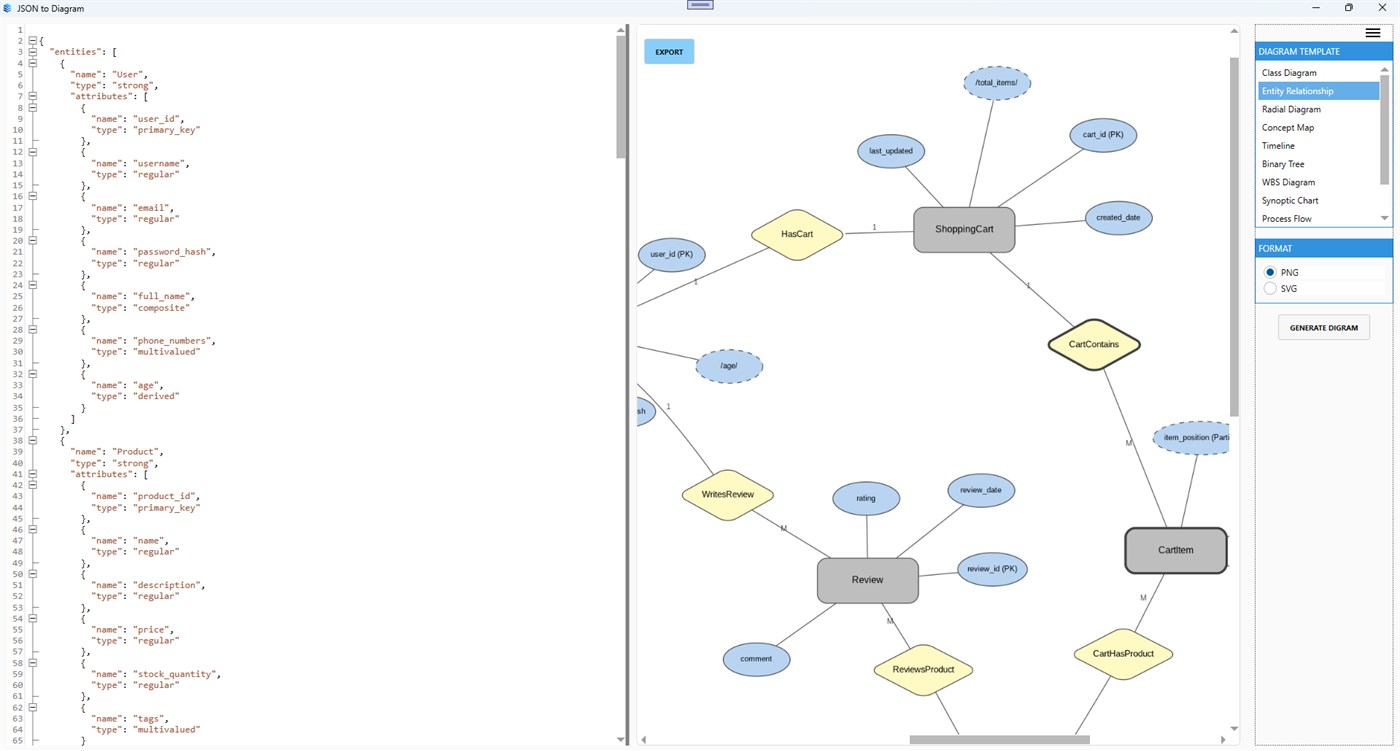
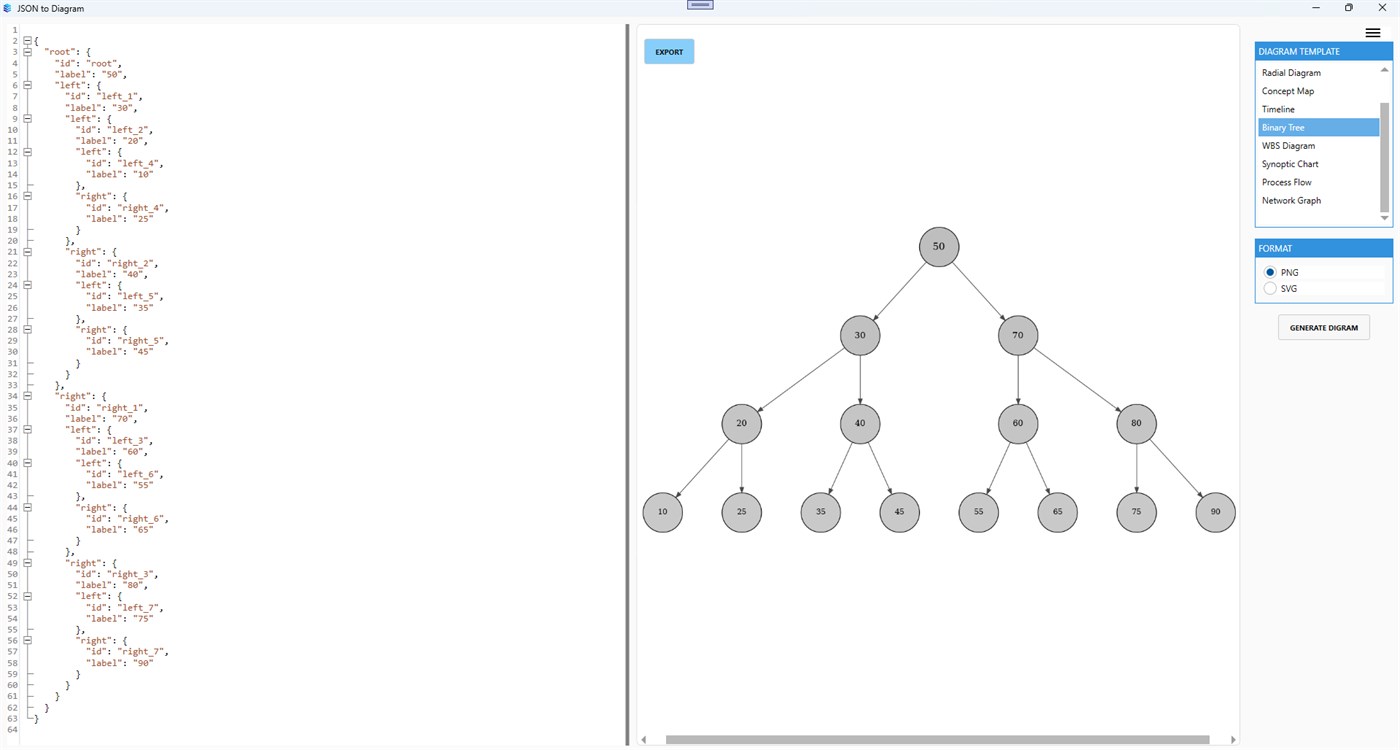
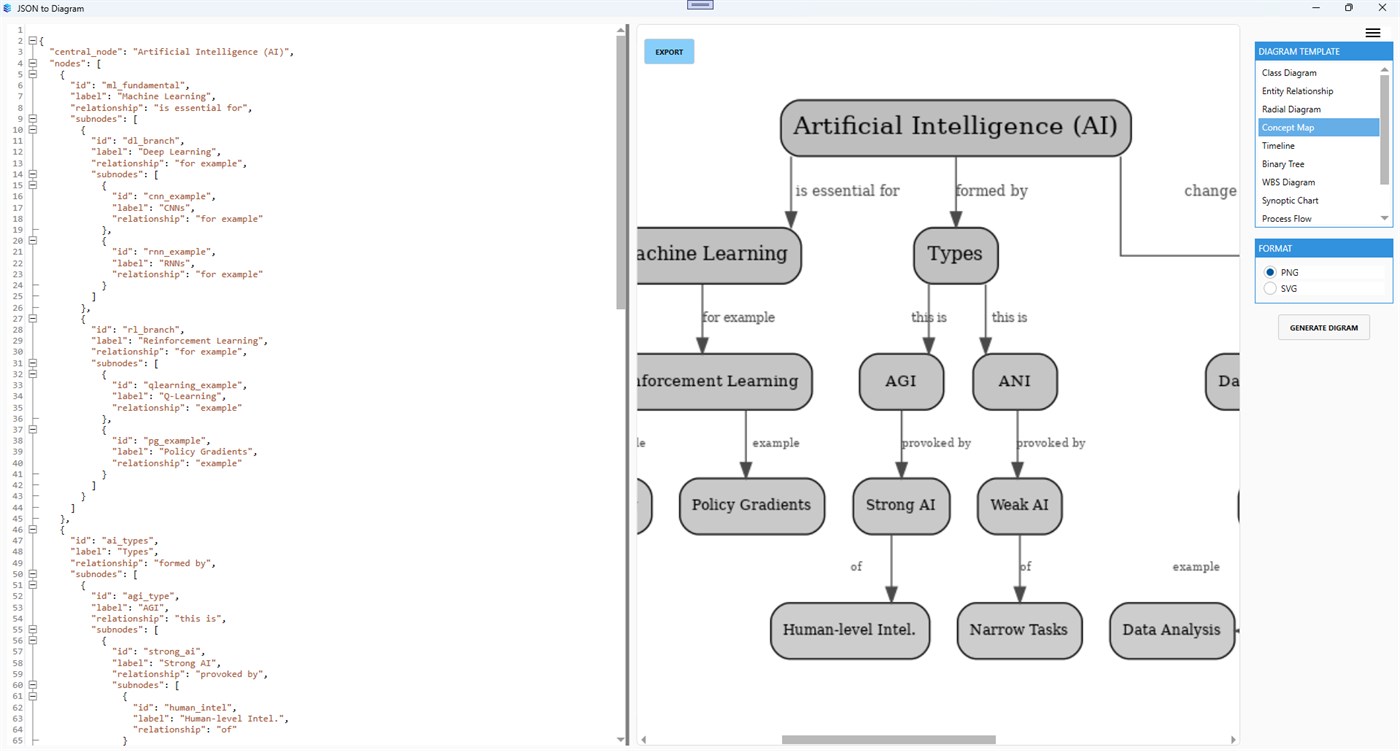
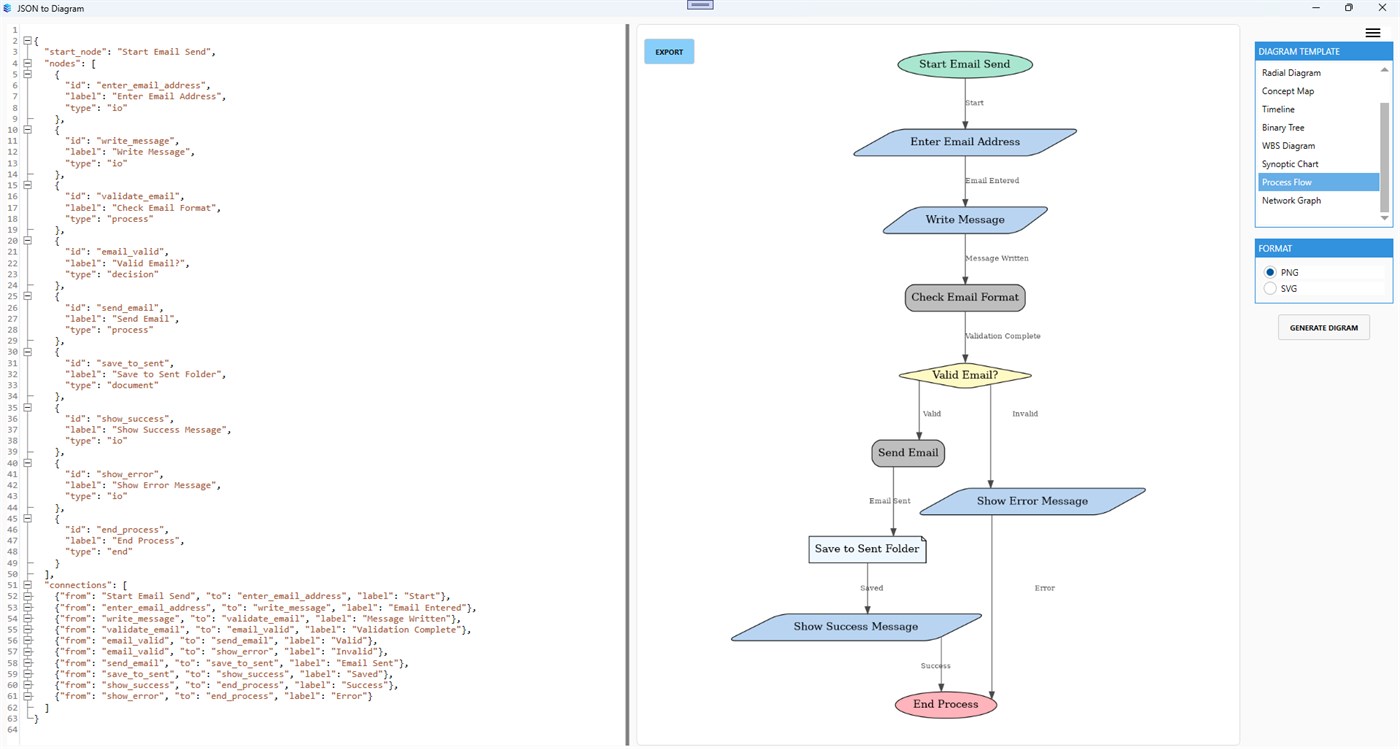
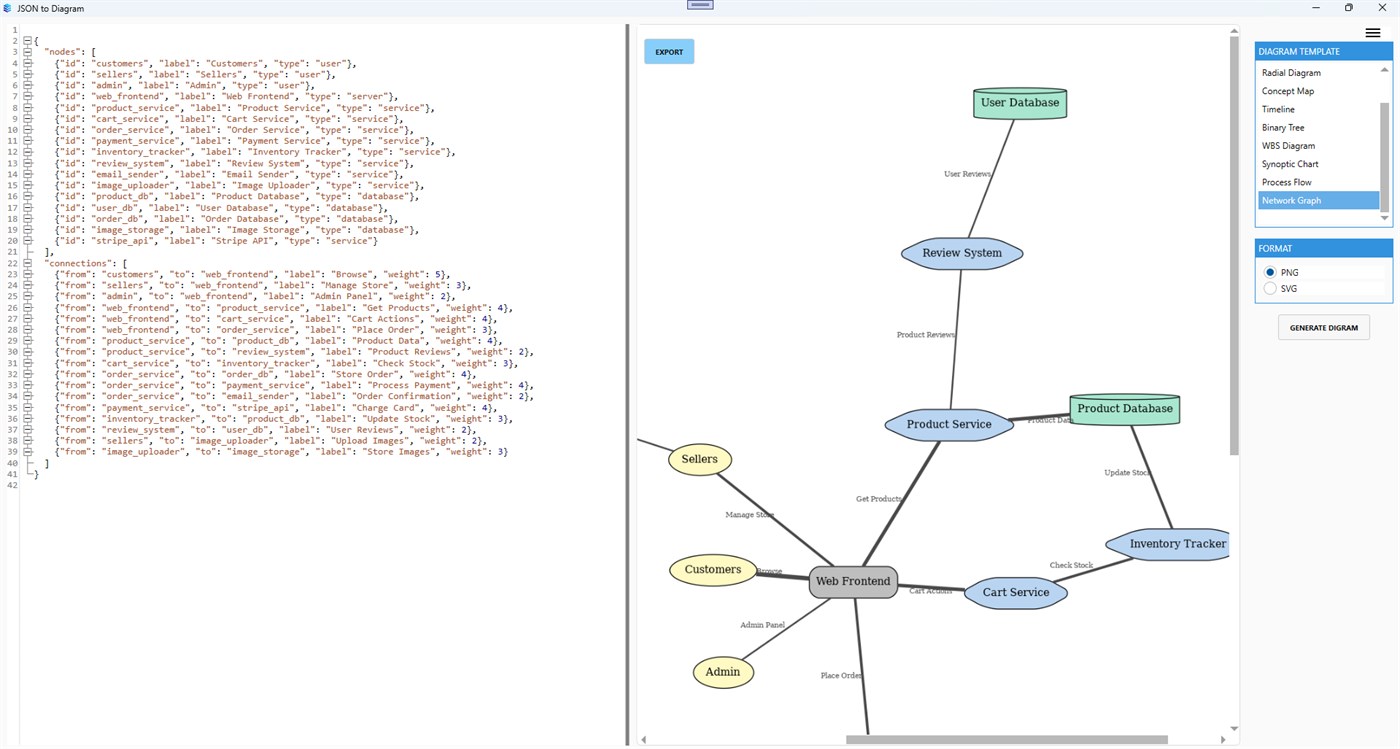
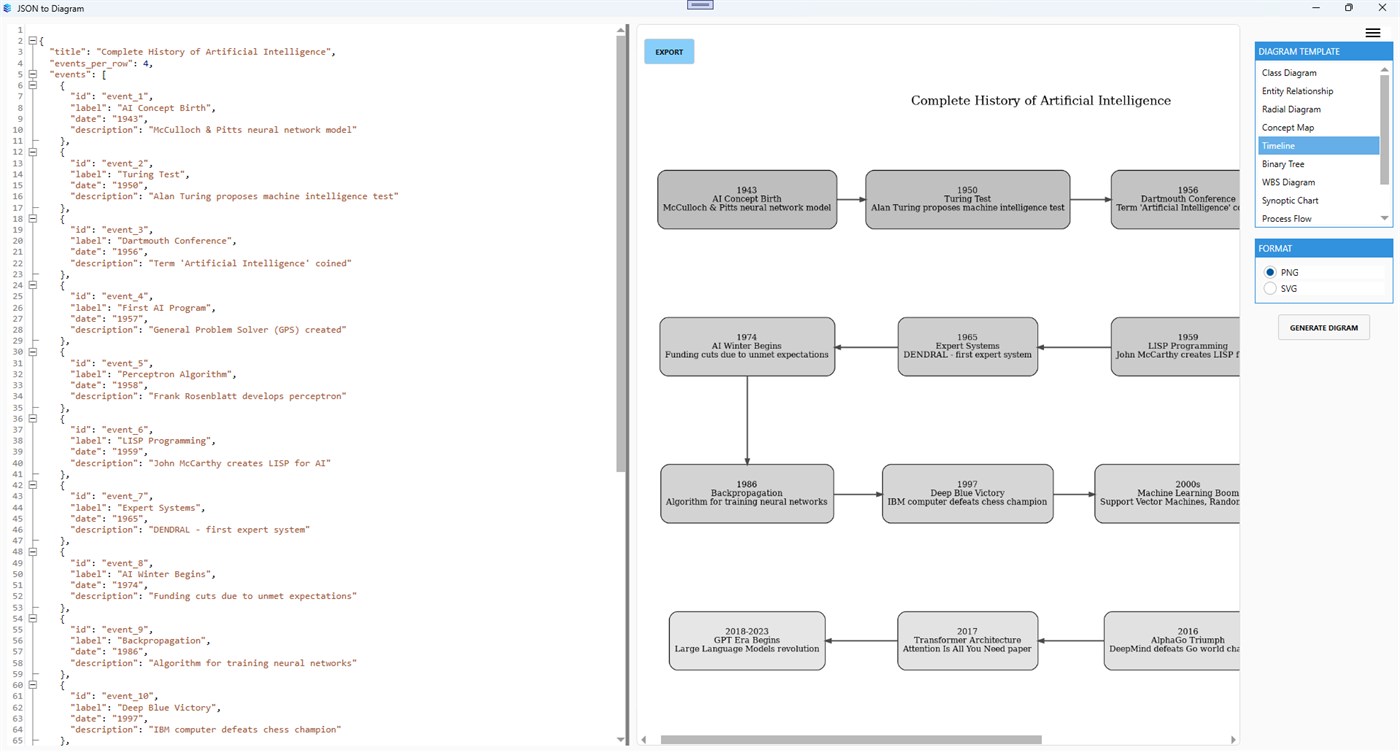
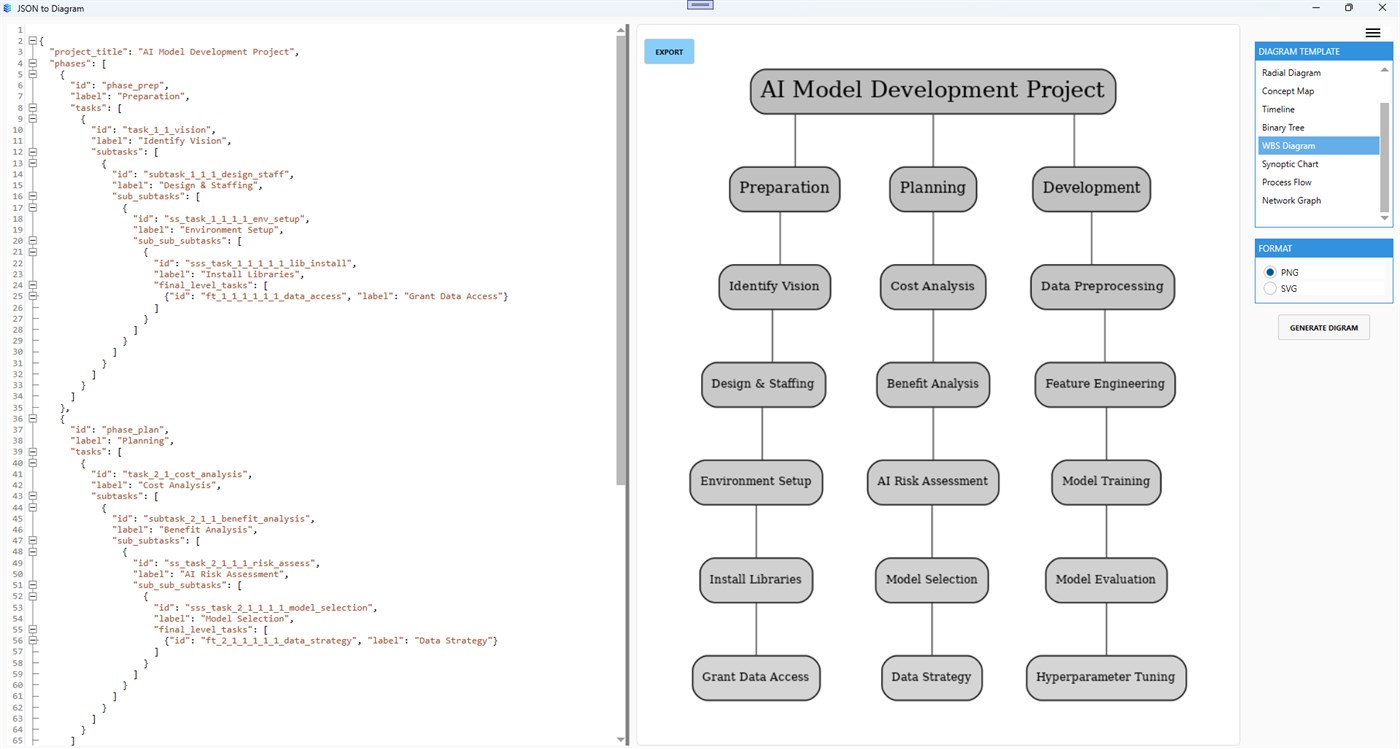
Key Features: Multiple Diagram Types Supported: Choose from a diverse set of diagram styles, including: Class Diagram Ideal for modeling object-oriented structures Entity Relationship Diagram (ERD) Visualize database relationships Radial Diagram See data relationships radiate from a central node Concept Map Organize ideas and concepts intuitively Timeline Diagram Present chronological sequences of events Binary Tree Illustrate hierarchical binary structures Work Breakdown Structure (WBS) Break down tasks in project management Synoptic Chart Summarize processes or events in a structured view Process Flow Diagram Map out workflows and system flows Network Graph Explore connections and networks in data Automatic Layout Generation: Just paste your JSON, select a diagram type, and let the app handle the formatting.
Scalable, High-Quality Output: View and export diagrams as crisp SVG or PNG images perfect for presentations, documentation, or team collaboration. Interactive Zoom & Navigation: Use mouse scroll to zoom in/out without losing quality, especially for SVG-based diagrams. Lightweight & Fast: Designed to process even large JSON files quickly and efficiently.
Who is this app for? Developers: Instantly visualize API structures or class hierarchies Database Designers: Convert JSON data into ER diagrams Educators & Students: Teach or learn abstract concepts with visuals Project Managers: Generate WBS or timelines from structured task inputs Data Analysts: Map out JSON-based datasets to explore relationships No subscriptions, no hidden fees just a one-time purchase for unlimited use.
Related apps
Productivity
Text to Image Creator helps you turn ideas, descriptions, and prompts into visual artwork from a simple Windows app.
 Productivity
JSON Viewer & Formatter helps developers, analysts, and QA teams format, validate, minify, and convert JSON in a lightweight Windo...
 Productivity
MegaPass Your Ultimate Secure Password Manager. Keep all your passwords safe, encrypted, and easily accessible with no sign-ups or...