How to Find and Fix Invalid JSON on Windows
A practical checklist for locating missing commas, unmatched brackets, invalid quotes, and other JSON syntax errors.
Productivity
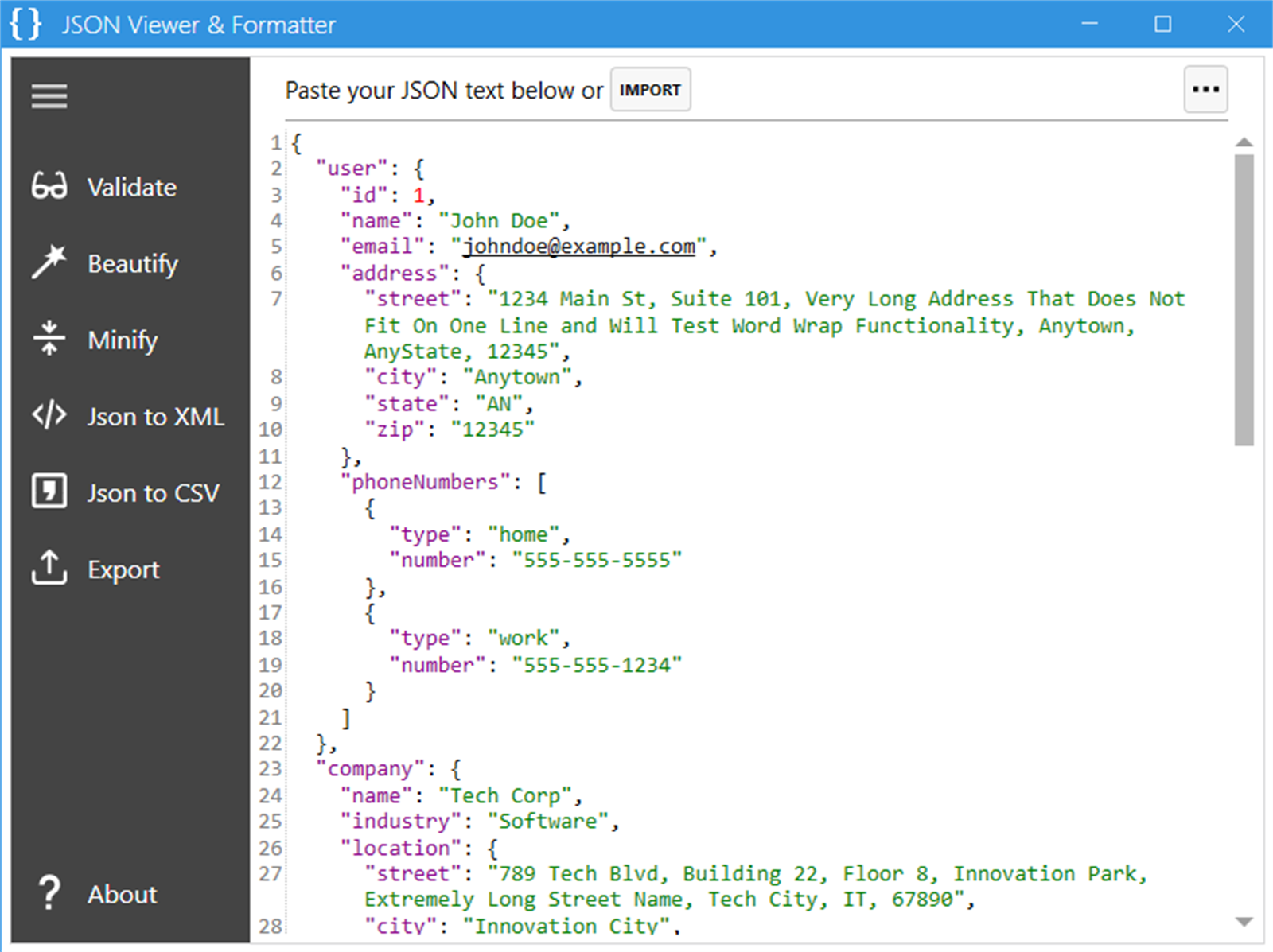
JSON Viewer & Formatter helps developers, analysts, and QA teams format, validate, minify, and convert JSON in a lightweight Windows app.
Screenshots
Why it helps
FAQ
JSON Viewer & Formatter is a Windows app from Megaish designed to make productivity tasks simpler and faster.
You can install JSON Viewer & Formatter from the Microsoft Store using the download button on this page.
Practical guides
Start with a useful answer, then decide whether this Windows app fits your workflow.
A practical checklist for locating missing commas, unmatched brackets, invalid quotes, and other JSON syntax errors.
Learn how JSON formatters, viewers, and validators differ, when to use each one, and how to inspect data without exposing secrets.
Convert JSON arrays into clean CSV files on Windows, handle nested data and missing fields, and verify rows before opening a spreadsheet.
Store description
Simplify your JSON workflow with a fast, lightweight, and powerful tool. JSON Viewer & Formatter is your go-to utility for importing, formatting, validating, and converting JSON text. Whether you're a developer, data analyst, or just someone working with APIs or config files, this tool ensures clean, readable output every time. .
Core Features: Validate JSON with automatic error detection Beautify & Minify JSON for readable or compact output Convert JSON to XML or CSV export structured data with one click Import & Export Files with local file integration Color-coded Syntax Highlighting for better readability Error Line Highlighting to quickly find and fix issues Set as Default App for .json, .txt, or .text files Ultra-lightweight & fast no lag, no clutter .
Use Cases: View and validate JSON API responses Convert data formats for reporting and integration Beautify raw JSON from third-party services Inspect and edit config files or code snippets . Why Choose: JSON Viewer & Formatter? No subscription, no ads one-time purchase only Stable, simple, and easy to use . Designed for Windows: users who value speed, simplicity, and reliability .
Perfect For: Developers Analysts Engineers Students QA Testers Anyone working with JSON data
Related apps
 Productivity
Text to Image Creator helps you turn ideas, descriptions, and prompts into visual artwork from a simple Windows app.
 Productivity
MegaPass Your Ultimate Secure Password Manager. Keep all your passwords safe, encrypted, and easily accessible with no sign-ups or...
 Productivity
Background Remover Tool helps remove image backgrounds quickly, then refine visuals with practical editing tools for products, pos...