 Photo & video
Image Converter Plus
Image Converter Plus converts image files into practical formats for websites, documents, design tools, and everyday sharing on Wi...
Photo & video
Image Vectorizer helps turn raster images into clean, scalable vector artwork for logos, illustrations, printing, and design projects.
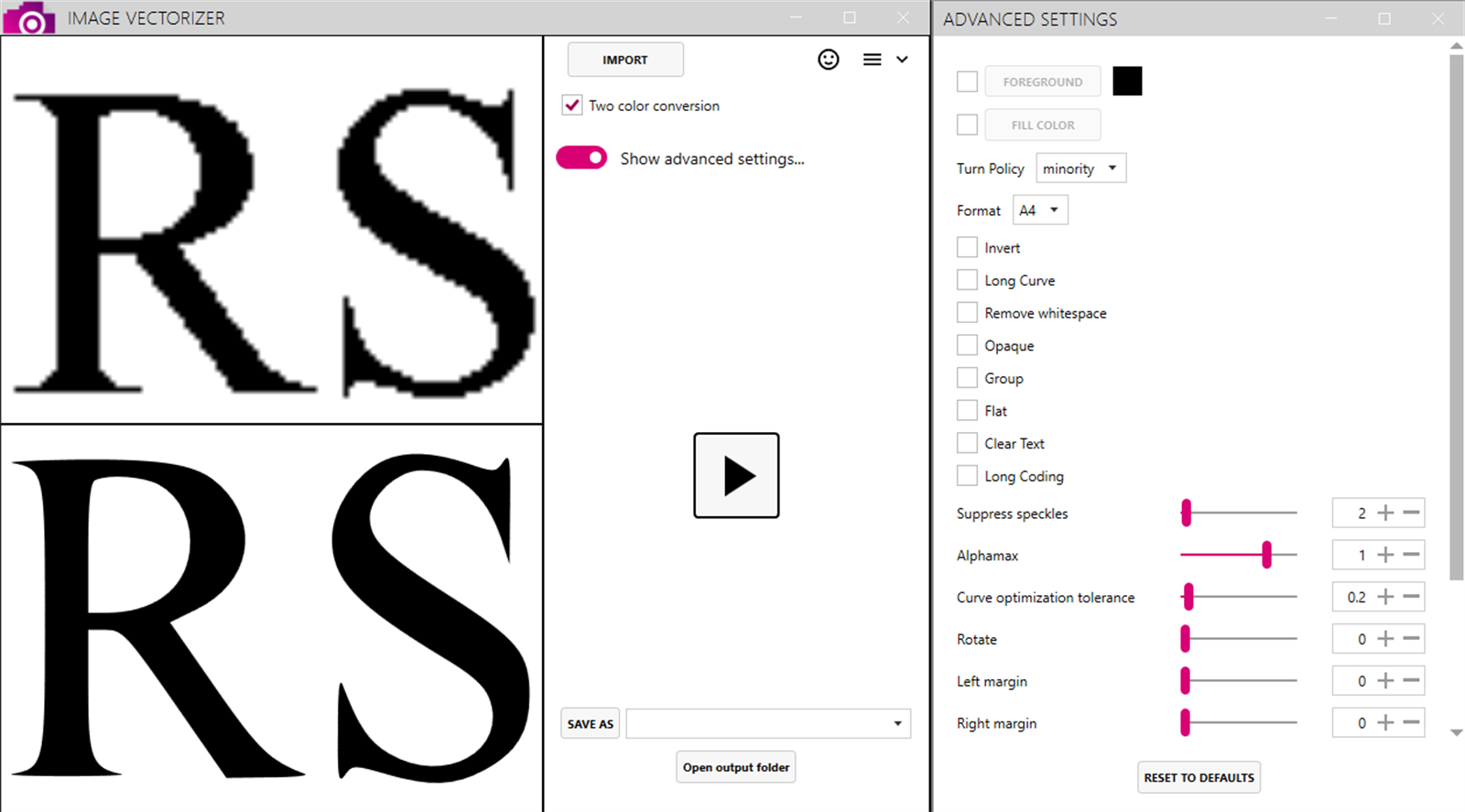
Screenshots
Why it helps
FAQ
Image Vectorizer is a Windows app from Megaish designed to make photo & video tasks simpler and faster.
You can install Image Vectorizer from the Microsoft Store using the download button on this page.
Store description
Image Vectorizer Convert Any Image to Scalable Vector Graphics Instantly! Turn pixelated, blurry, or low-res images into clean, high-resolution vector files in seconds. Image Vectorizer is the ultimate tool to convert JPEG, PNG, BMP, or GIF images into SVG, AI, EPS, PDF, DXF, and over 20 other vector formats offline and with one click.
Whether you're a graphic designer, illustrator, or CAD engineer, this app gives you complete control over the vectorization process, from color selection to noise reduction. . Key Features: One-Click Vector Conversion Convert any image into smooth, scalable vector art instantly no complex settings required.
Advanced Color Control Choose the number of colors, tweak backgrounds, and isolate key hues using the smart color sampler. Import Any Raster Format Support for PNG, JPG, BMP, TIFF, GIF, and many more. Export to 20+ Vector Formats Save as SVG, PDF, EPS, AI, DXF, EMF, CGM, and other professional-grade vector types. AI-Enhanced Cartoon Effect Turn photos into stylized cartoon vector illustrations with artistic flair.
Precision Tools Reduce noise, invert colors, rotate, sharpen edges, and fine-tune vector tracing for pixel-perfect control. Drag-and-Drop Simplicity Just drop in your image vectorize and export with a single click. Fully Offline & Secure No internet? No problem. All processing happens on your device. Your files stay private. One-Time Payment. No Subscriptions.
Buy once and get free lifetime updates no hidden fees or ongoing charges. .
Ideal For: Logo Designers Turn rough sketches into print-ready vector logos Illustrators Digitize your hand-drawn art with clean outlines Engineers Export to CAD formats like DXF for scalable, editable line work Marketers & Creators Convert low-res assets into professional vector graphics Whether you're printing, scaling, editing, or archiving Image Vectorizer ensures your graphics stay sharp at any size.
and discover the fastest way to create professional vector graphics from any image no subscriptions, no internet required.
Related apps
Photo & video
Image Converter Plus converts image files into practical formats for websites, documents, design tools, and everyday sharing on Wi...
 Photo & video
AI Image Studio brings AI-powered photo enhancement, beauty edits, background tools, upscaling, and creative effects into one Wind...
 Photo & video
Audio Video Converter Plus converts common audio and video files for playback, sharing, editing, and storage from a focused Window...