How to Merge Multiple PDF Files on Windows 11
Learn how to combine PDFs on Windows 11, choose the right file order, protect document quality, and avoid common merge problems.
Productivity
PDF Batch Toolbox Pro helps Windows users merge, split, compress, convert, watermark, rotate, sign, and batch process PDF files from one clean desktop app.
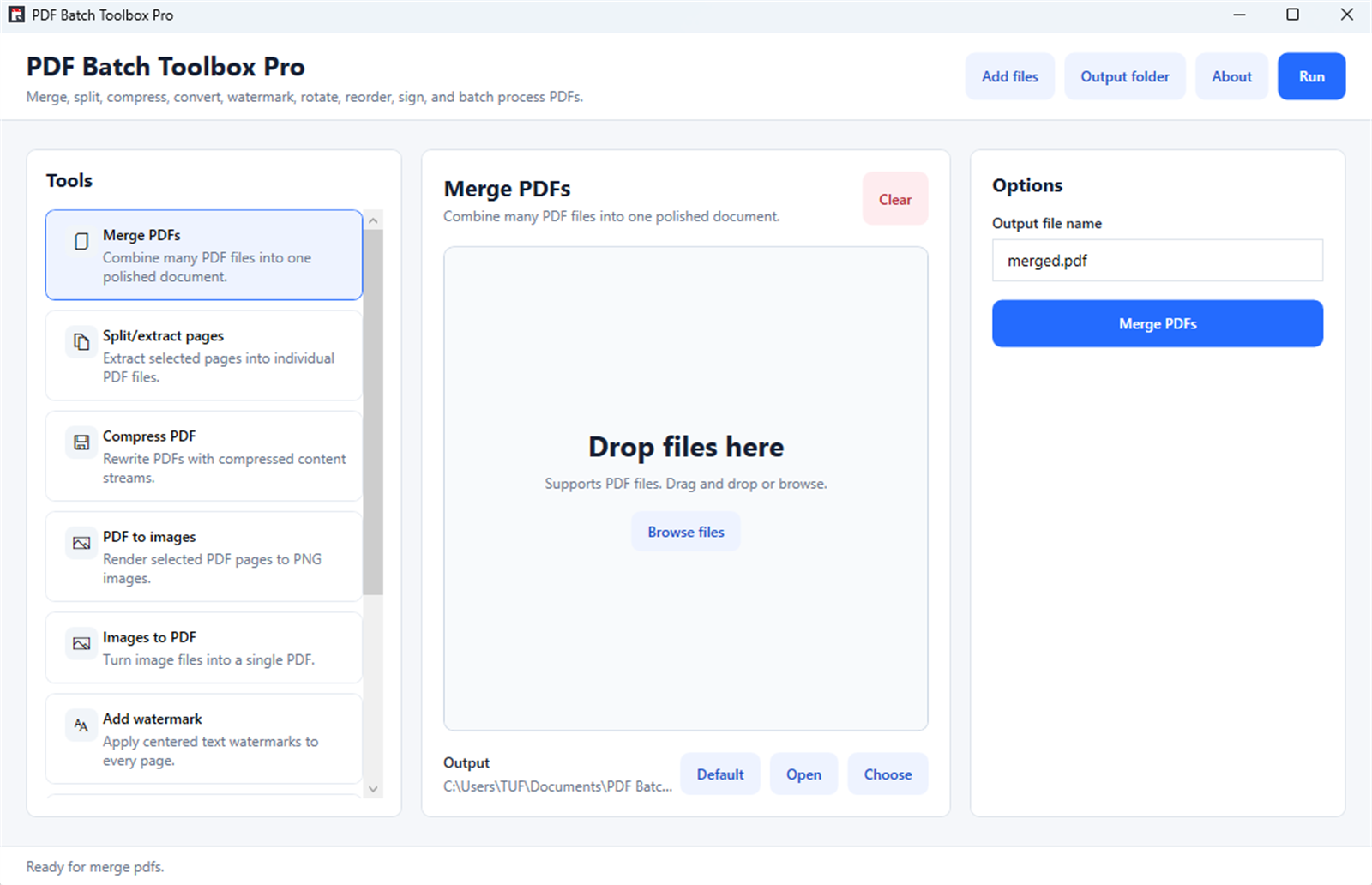
Screenshots
Why it helps
FAQ
PDF Batch Toolbox Pro is a Windows PDF utility that combines everyday PDF tools such as merge, split, compress, convert, watermark, rotate, sign, and batch processing.
Yes. PDF Batch Toolbox Pro is designed to handle common PDF workflows in one focused Windows app.
You can install PDF Batch Toolbox Pro from the official Microsoft Store link on this page.
Practical guides
Start with a useful answer, then decide whether this Windows app fits your workflow.
Learn how to combine PDFs on Windows 11, choose the right file order, protect document quality, and avoid common merge problems.
A practical Windows workflow for applying consistent text watermarks to multiple PDFs without obscuring important content.
Split a large PDF by ranges or selected pages on Windows, verify the results, and keep filenames organized.
Reduce PDF file size on Windows 11 while protecting readable text, image quality, page order, links, and important document content.
Store description
PDF Batch Toolbox Pro is a fast, clean, and easy-to-use PDF utility for Windows. It gives you the everyday PDF tools you need in one focused desktop app, without confusing menus or complicated workflows. Merge PDFs, split pages, compress files, convert PDFs to images, create PDFs from images, add watermarks, rotate or reorder pages, sign documents with an image, and process multiple files in batches.
Built for students, offices, freelancers, small businesses, document teams, and anyone who works with PDFs regularly. Key features: Merge PDFs Combine multiple PDF files into one organized document. Split and extract pages Save selected pages from a PDF as separate files. Compress PDF files Reduce PDF file size for sharing, uploading, and archiving. PDF to images Export PDF pages as image files.
Images to PDF Turn JPG, PNG, and other image files into a single PDF. Add watermark Apply text watermarks to PDF pages for drafts, internal files, confidential documents, and branding. Rotate and reorder pages Fix page orientation and arrange pages in the order you need. Sign with image or signature Place a signature image on PDF pages.
Batch processing Process multiple PDF files at once and save time on repetitive work. Why choose PDF Batch Toolbox Pro? Simple workflow Pick a tool, add files, choose options, and run. Clean Windows design A polished interface that is easy to understand from the first launch. Built for productivity Batch tools help you handle many files faster.
Local file processing Work with your documents directly from your Windows PC. Great for everyday PDF work Ideal for invoices, forms, scanned documents, reports, contracts, study files, office documents, and business PDFs. PDF Batch Toolbox Pro helps you finish PDF tasks faster, with fewer steps and less friction.
Related apps
 Productivity
Text to Image Creator helps you turn ideas, descriptions, and prompts into visual artwork from a simple Windows app.
 Productivity
JSON Viewer & Formatter helps developers, analysts, and QA teams format, validate, minify, and convert JSON in a lightweight Windo...
 Productivity
MegaPass Your Ultimate Secure Password Manager. Keep all your passwords safe, encrypted, and easily accessible with no sign-ups or...